
A VPN (Virtual Private Network) is one of the easiest and most effective ways to keep your online activity secure. When you use a VPN, your internet traffic passes through an encrypted tunnel that protects your data from hackers, governments, advertisers, and even your internet service provider.
Secure Your Internet Connection
Encrypt Your Online Activity
Access Geo-Restricted Content
High-Speed Streaming
Protect Your Privacy Anywhere
No-Logs Policy
Many websites or apps are blocked or restricted depending on where you are or what network connection you are using. With ExpressVPN, you can easily and securely access content and apps from anywhere in the world. Stream your favorite shows, sports, and news, or stay connected with family and friends no matter where you go.
ExpressVPN is compatible with:
Windows
Mac
Mac
Android
Android
Chrome
Firefox
Router
Linux
Smart Tv
Follow these simple steps to activate ExpressVPN through YOKATV:
Step 1
Get your YOKATV box connected and open the YOKA TV Online app.
Step 2
From the menu page, select Player Options and sign in to your account.
Step 4
Go live or play a VOD and start watching your movie.
Step 3
Locate the Online Subtitles tab in the player's menu options.
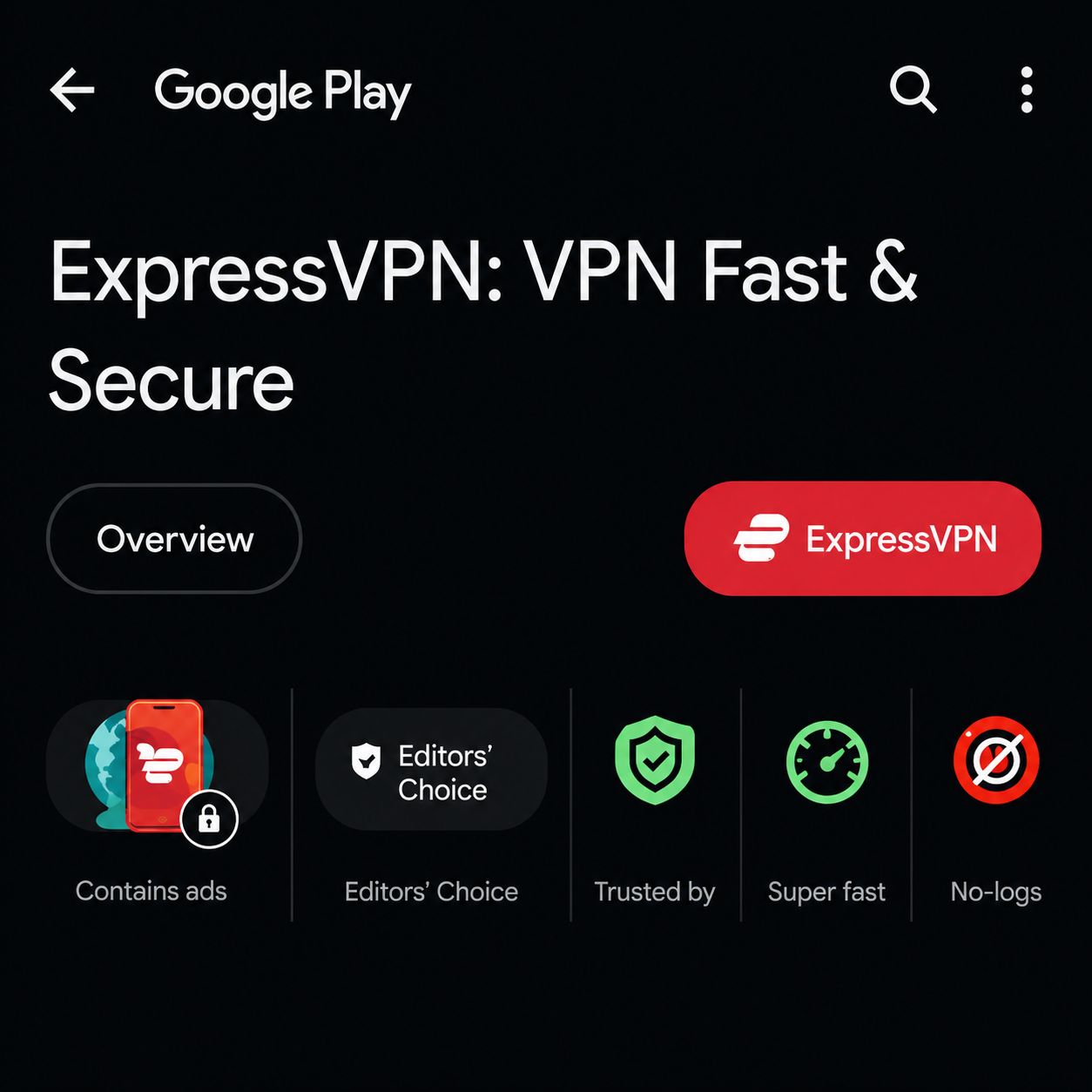
In Google Play Store, search for and open ExpressVPN.
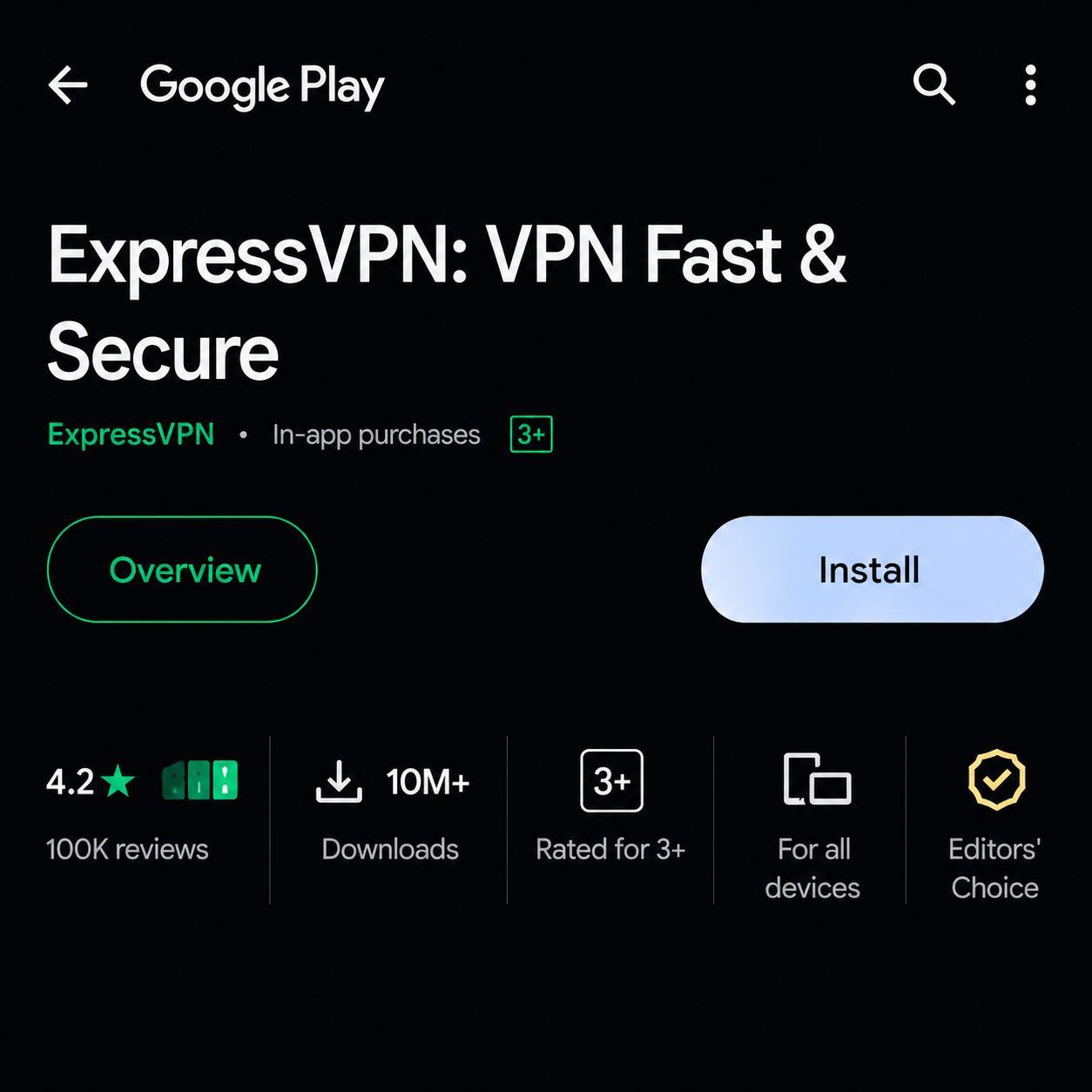
Click Install to download the application.
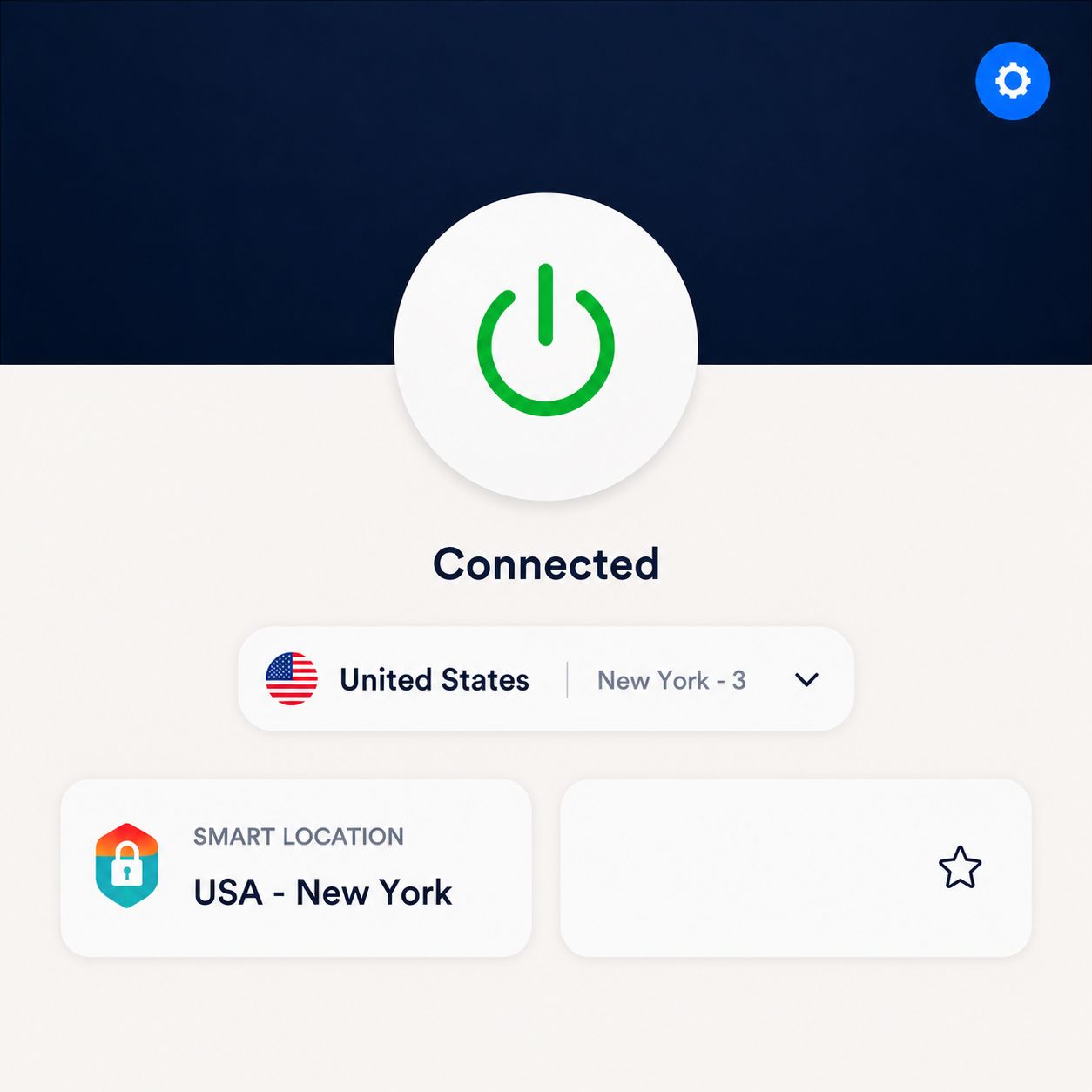
Launch ExpressVPN. The following interface will be displayed.
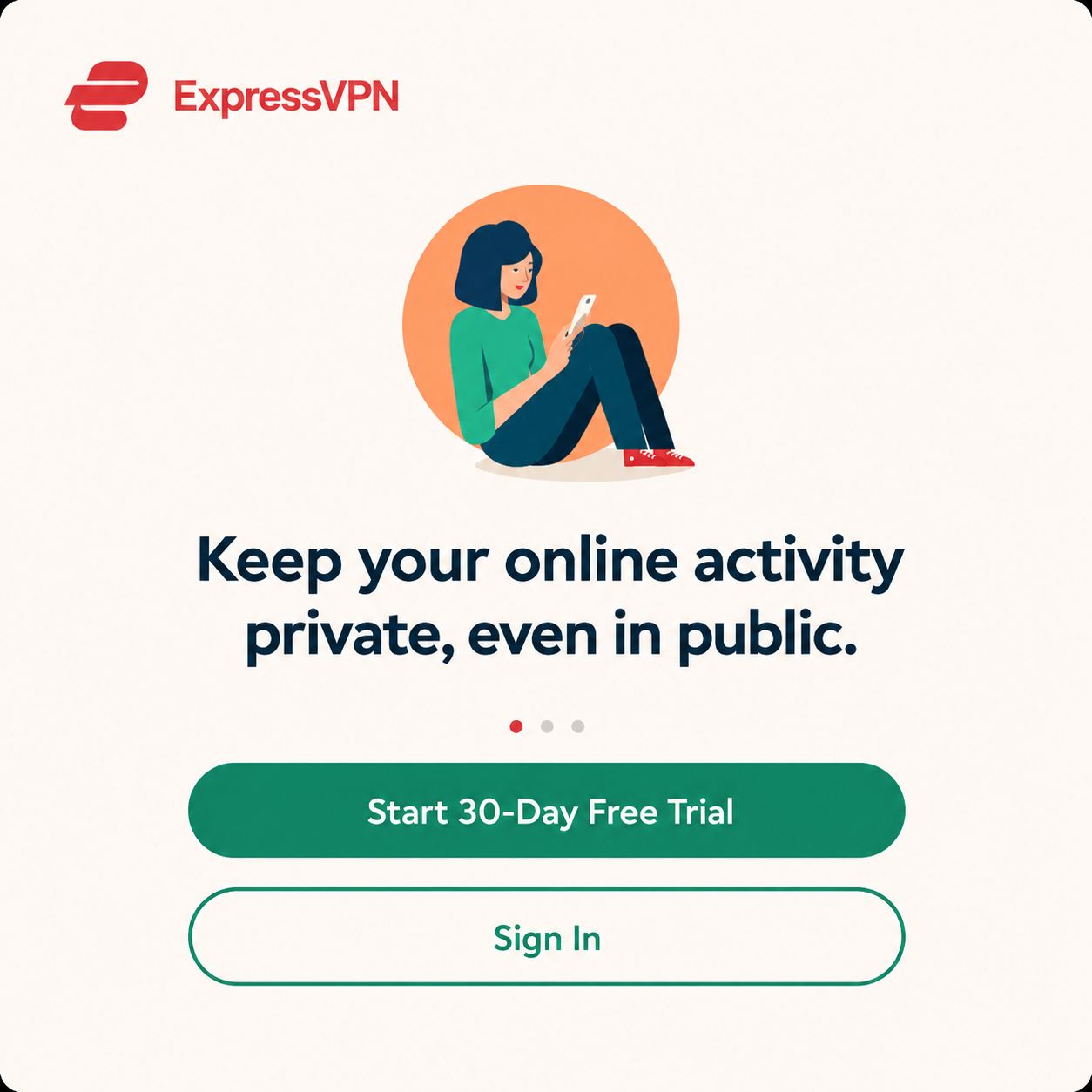
Click "Start 30-Day Free Trial". The trial interface will be displayed.
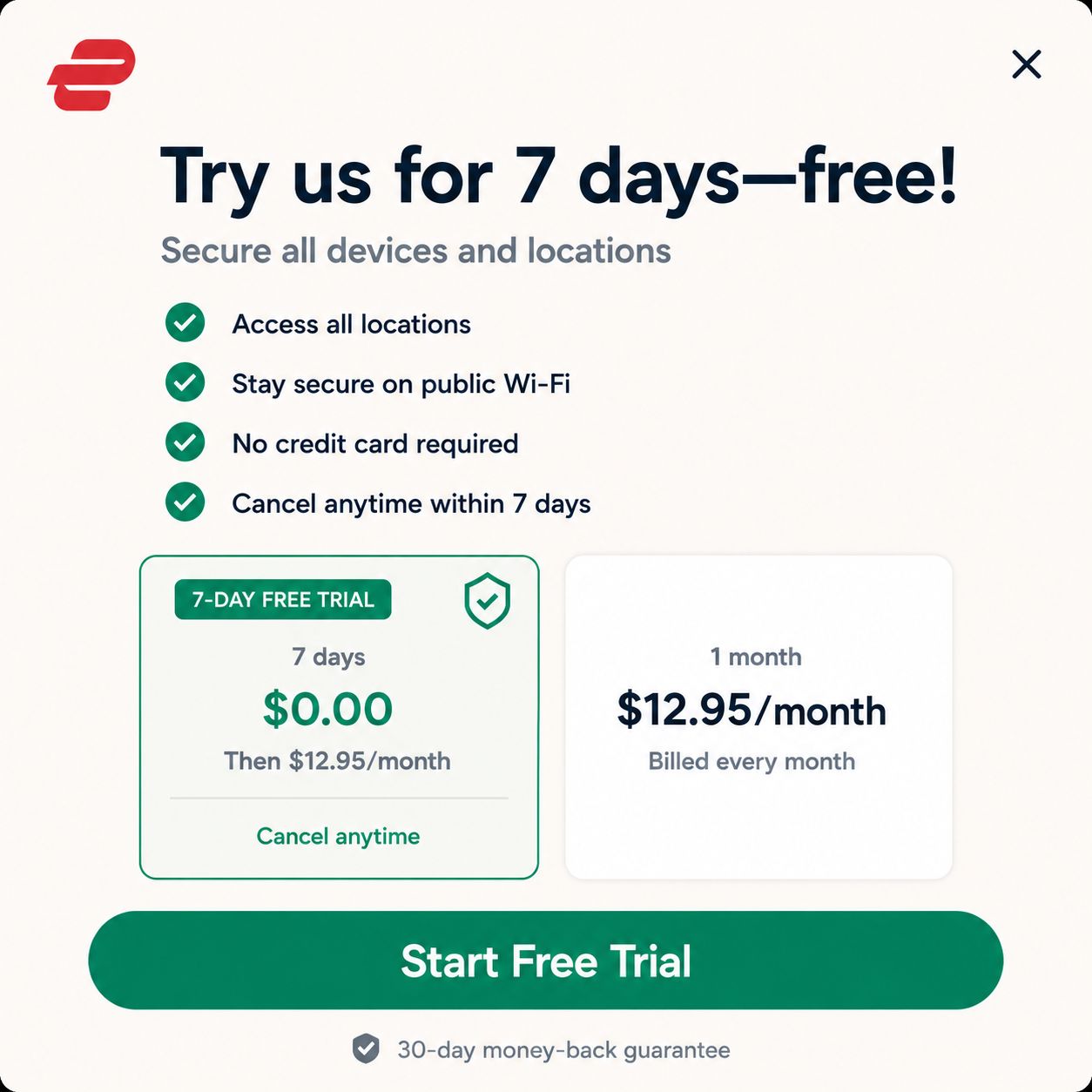
Choose your preferred subscription plan.
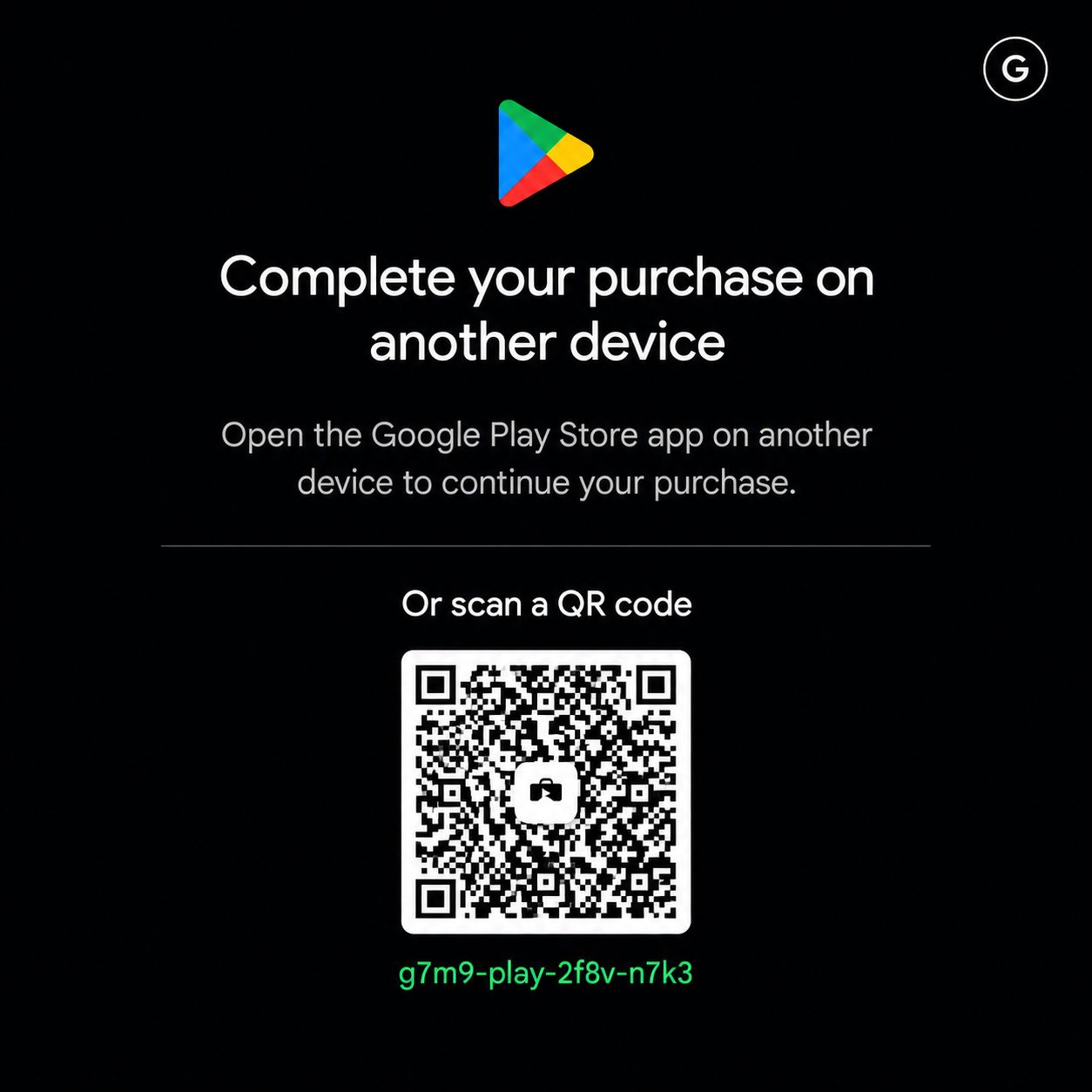
Scan the QR code and complete the 30-day free trial registration.
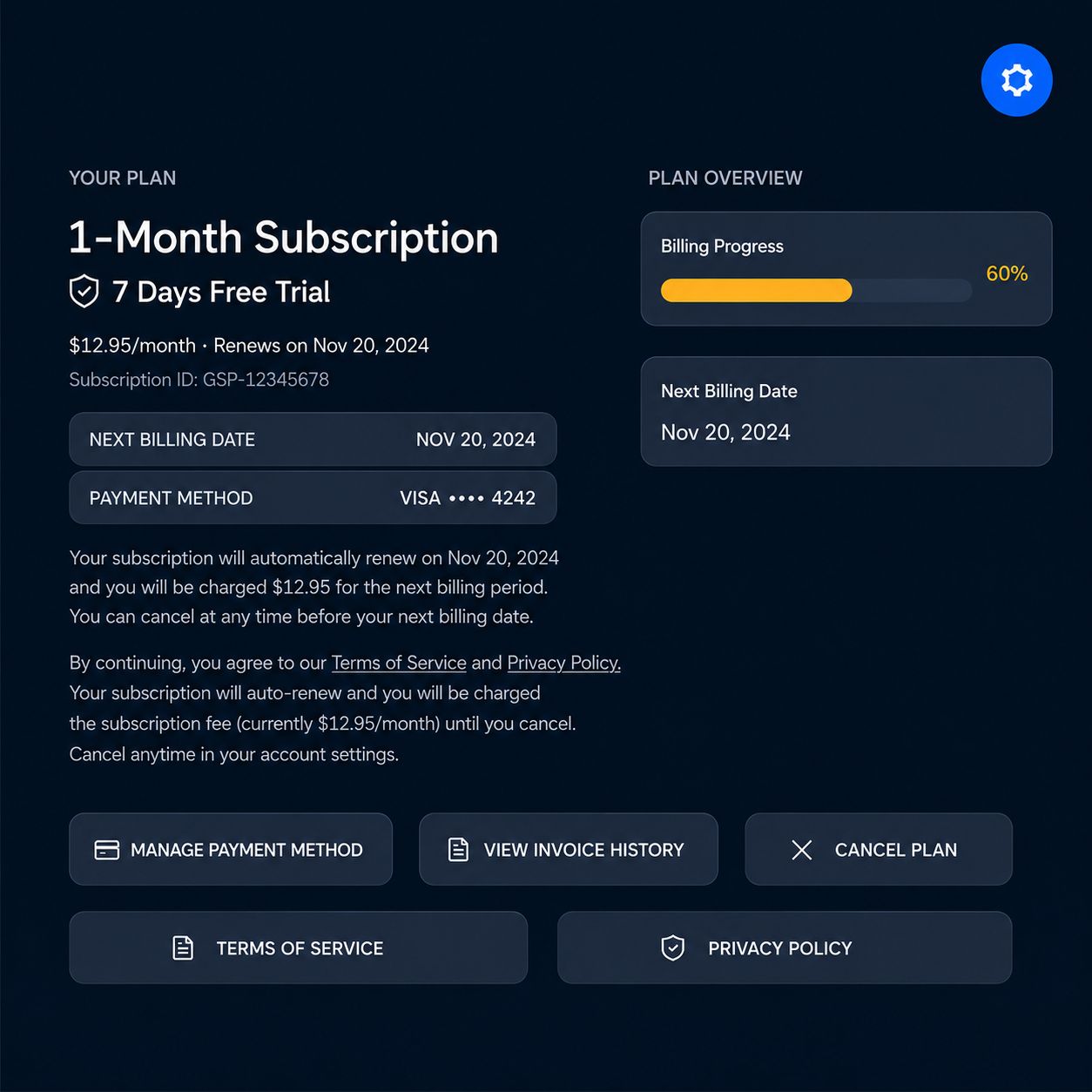
The activation interface will appear once you successfully sign up for ExpressVPN.
No credit card details are collected when the users sign up for ExpressVPN.
The user can then cancel the plan after 30-day free trial.
YOKATV boxes are free pre-installed ExpressVPN which comes with 30 days free trial.
After the trial, longer experiences require additional subscription on ExpressVPN.
Risk-free trail
Risk-free trail
Trusted by millions
We're here to help