There’re 4 ways to configure IPTV server accounts to YOKATV.
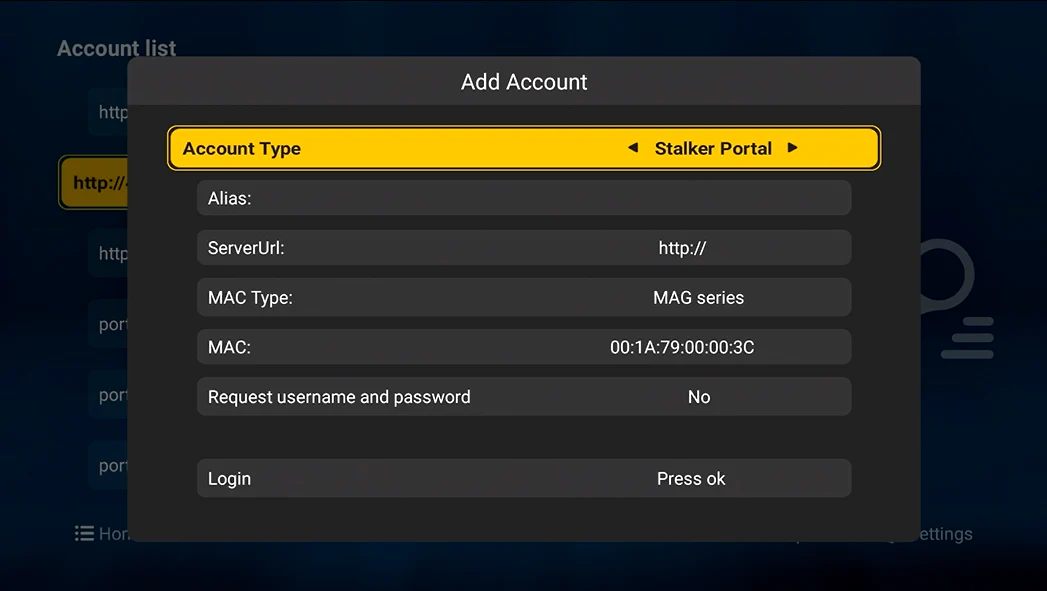
Set account through the remote controller on the TV box (Need to open the TV Box).
(Linux UI)
(Android UI)
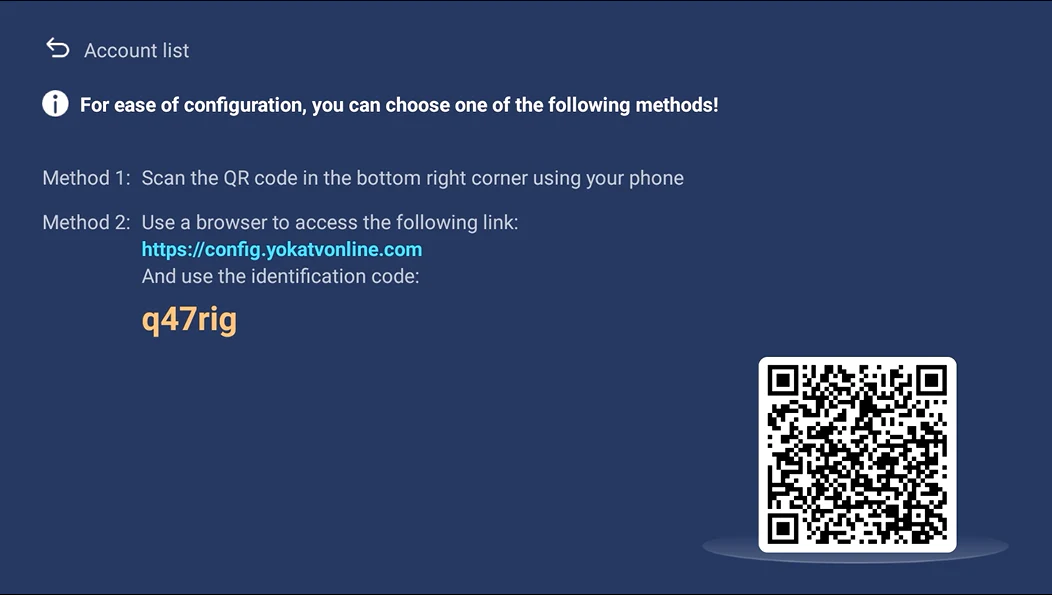
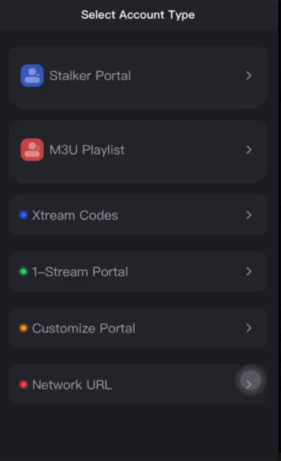
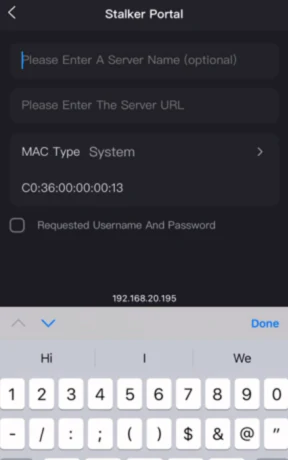
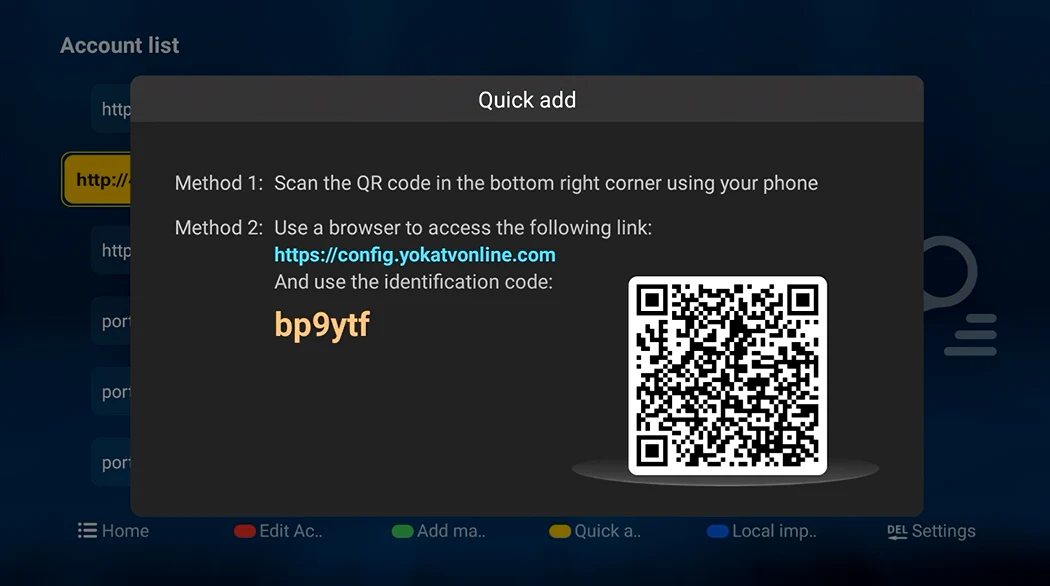
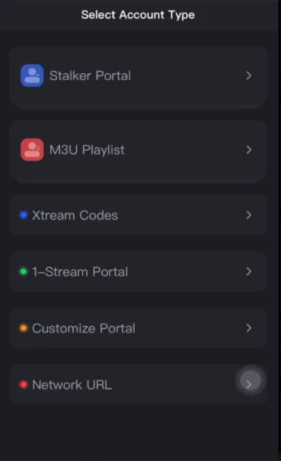
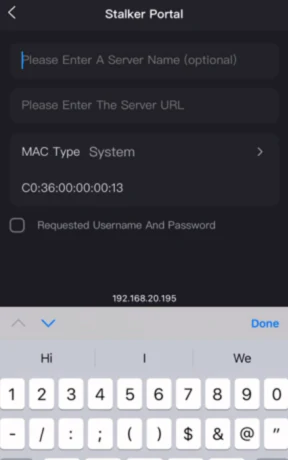
Take Phone to scan QR code on the player, set server’s url/account/… on the phone. (Need to open the TV Box).
(Linux UI)
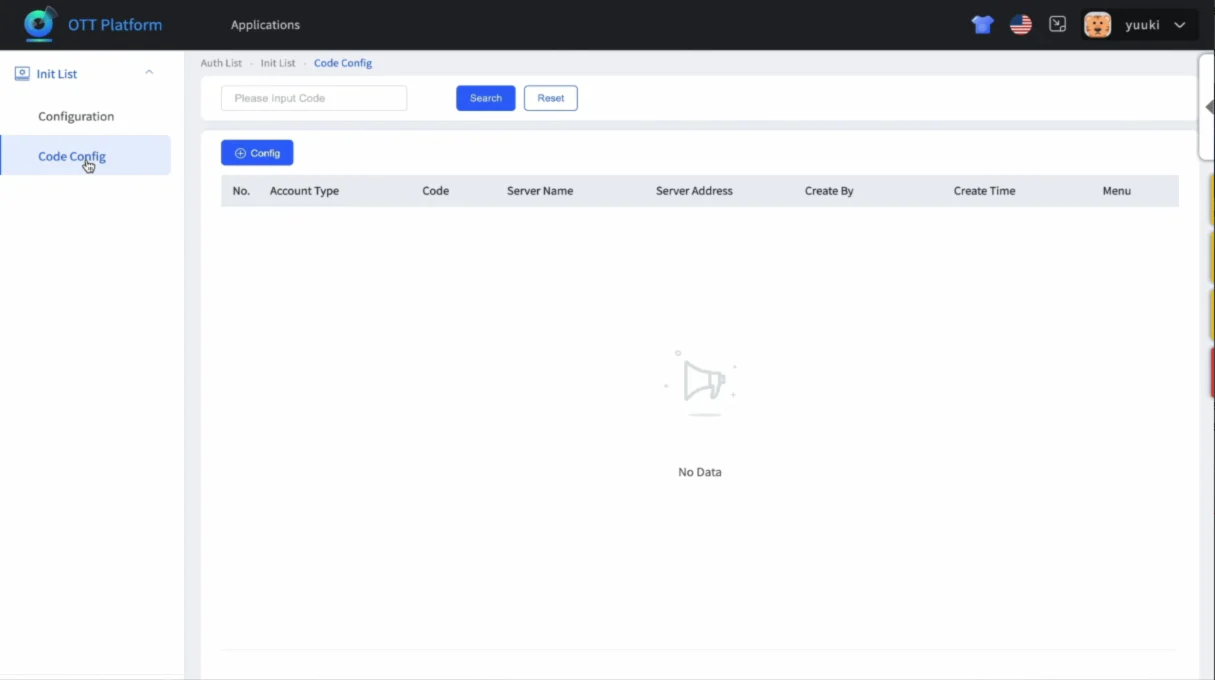
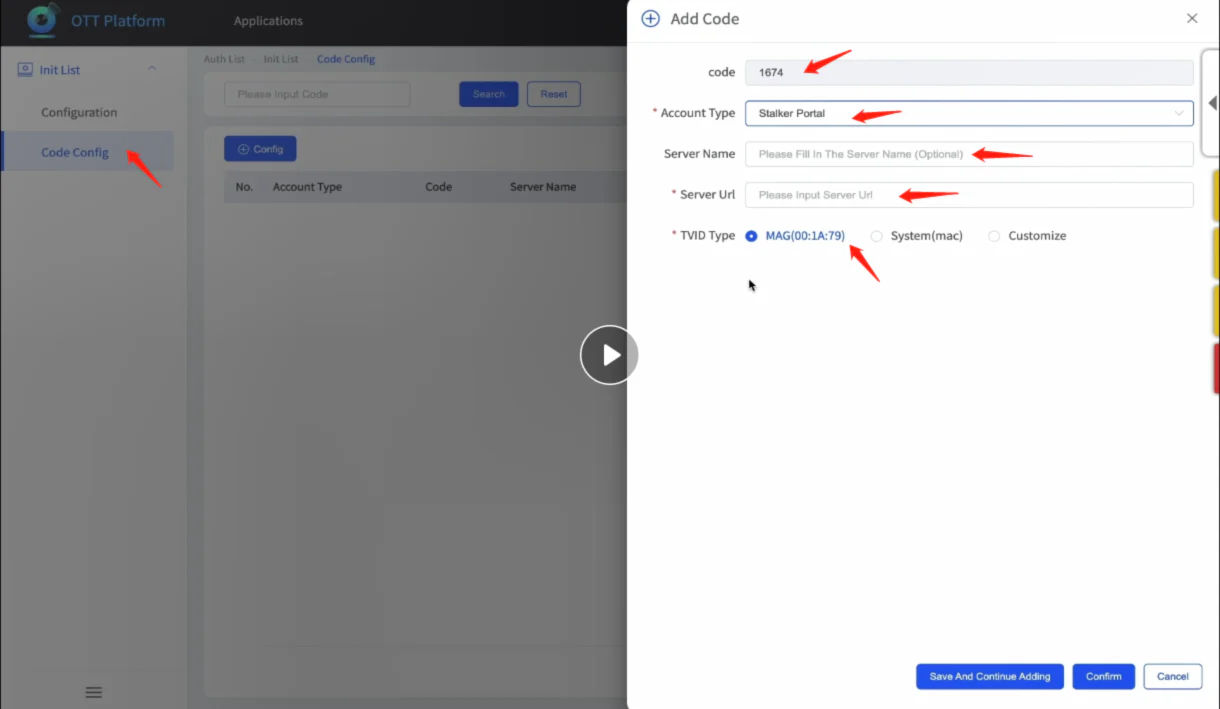
You will get a log in account and password of our background system website, enter then choose ‘code configure’, then set ‘4 number code’, then input the portal/server url/account/… and save to the specific device, when user connect the box with wifi, turn on YOKATVOnline, use remote to enter 4 number code then can finish the configuration and enter the sever directly. (pls follow the video instrution)

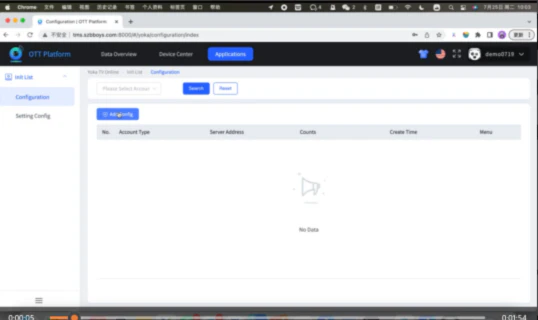
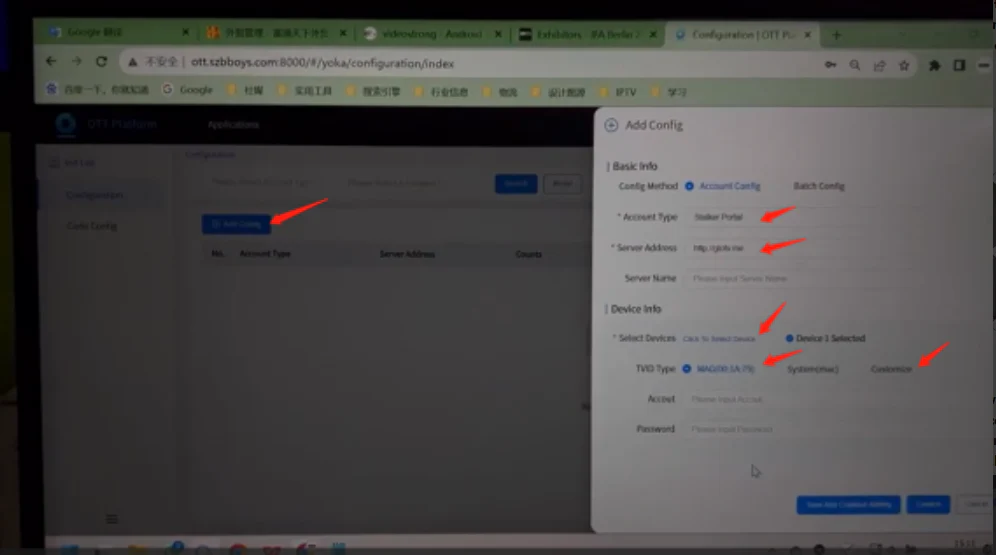
You will get a log in account and password of our background system website, enter then choose ‘configuration’, and input portal/server url/account/… and choose the specific device and save input. (If it’s the first time open YOKATV Online app, when connect the wifi, data will push directly; if it’s the second time enter this app, should clean cache of the app then enter again).